No Downloads on Windows or Mac
No Downloads on Windows or Mac
Paramount+ offers download on supported mobile devices. A Windows or Mac browser can stream a title, but there is no download button.
 Keeprix Paramount Plus Downloader
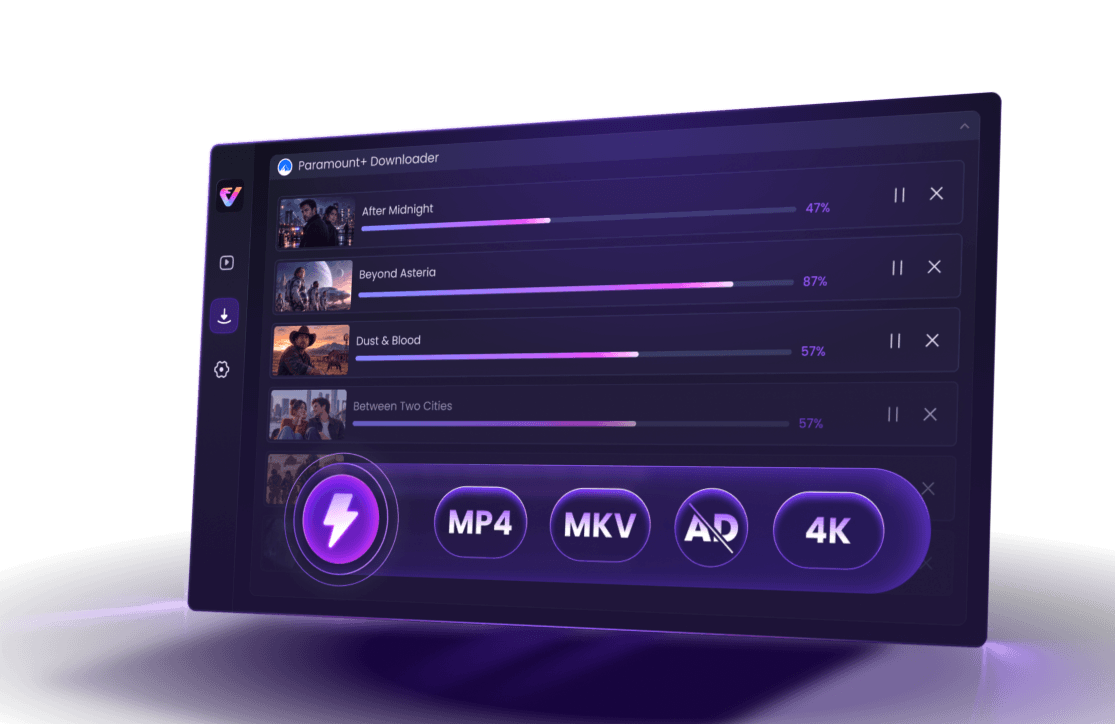
Save supported Paramount+ movies and shows you can access as MP4 or MKV files for personal offline viewing. Prepare complete episodes, organize seasons, and keep available subtitles and audio when supported.
 Save Paramount+ videos on Windows 10/11 and macOS 12 or laterSave as MP4 or MKV for easier local playback and organizationQueue multiple episodes and keep subtitles or audio tracksDownload in up to 4K in the U.S. when the source is available

 Offline Downloads Still Feel Restrictive
No Downloads on Windows or Mac
Paramount+ offers download on supported mobile devices. A Windows or Mac browser can stream a title, but there is no download button.

Official Downloads are Locked in App
The downloads stay inside the Paramount+ app. So users cannot open it in another media player, rename it, or copy it to a USB drive.

Downloads Expire After 30 Days/48 Hours
Paramount+ downloads are available for 30 days or 48 hours after playback. Users may need to download the title again if the viewing window ends.

Downloads May Fail When You Travel
Official downloads may expire after travel to a different region or country, and users may be unable to open the app or reach the Downloads tab.
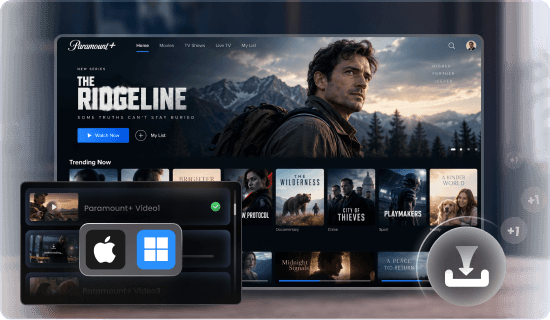
Stop limiting offline viewing to small mobile screens. Now, you can download supported Paramount+ movies and shows directly to your computer (Windows 10/11 and macOS 12+) - no phone or tablet required.
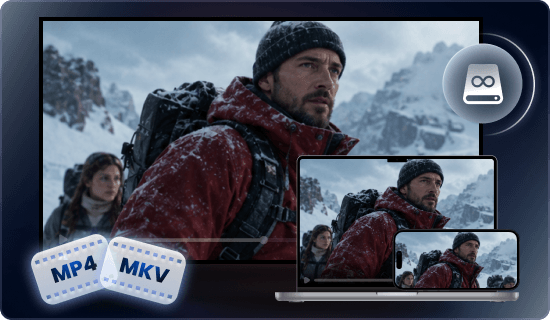
Save completed supported download as a local MP4 or MKV file. You can open it with compatible media software, organize it by show or season, and transfer it to suitable USB storage for authorized personal offline viewing.

A completed MP4 or MKV download is not subject to the Paramount+ app's 30-day or 48-hour viewing limits. This describes local file behavior, not ownership or permanent rights to the content. Use it only while authorized and follow applicable laws and Paramount+ terms.

Download while you still have a reliable connection, then open every completed file in a compatible player before leaving. During playback, you do not need to reopen the Paramount+ app or load its Downloads screen.

Save supported titles in up to 4K in the US when the source is available.

Add multiple episodes to one queue and prepare a season quickly.

Keep available audio tracks and subtitles when the source support them.

Test full video downloads from each platform before upgrading.
| Comparison | Official Downloads | Screen Recording |
Keeprix Local Files
|
|---|---|---|---|
| Eligible access | Certain subscriptions | Requires playable access | Supported titles available through your account/td> |
| Workflow | Mobile apps | Windows or Mac | Windows 10/11 or macOS 12+ |
| Output | Temporary, app-managed download | Recorded video file | MP4 or MKV local file |
| Video quality | Controlled by the Paramount+ app and device | Limited by playback and recording setup | Up to 4K in the U.S. when available |
| Batch episodes | App-controlled | Usually one title in real time | Queue multiple supported episodes |
| Audio and subtitles | Managed inside the app | Often captured as part of playback | Keeps available tracks when supported |
| File organization | Managed inside Paramount+ | Local file, manual capture | Rename, organize, move, and store locally |
| Free test | Included only with an eligible subscription | Depends on recorder | Free trial for each platform |
| Best for | Quick mobile offline viewing | Real-time capture | Laptop travel, season prep, and local organization |
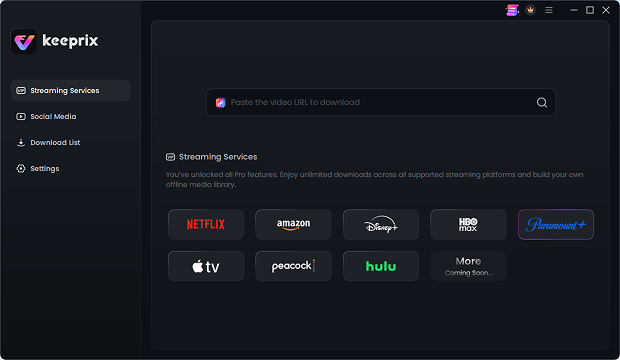

Keeprix All-in-One Streaming Video Downloader lets you download and save content to enjoy later, and watch offline whenever you want without ads.

In a business setting, Keeprix can support marketing teams in archiving campaign references and content creation, educators in collecting instructional clips, and more. It’s also useful for internal creative work, where downloaded videos can be utilized for presentations, edits, or research without having to source the same content.

Streaming is great until you want to watch something offline, save a show before it disappears, or avoid the limits most platforms put on downloads - that’s when you need a streaming downloader like Keeprix.

And unlike bargain-bin downloaders, Keeprix works where real people actually watch. It supports Netflix, Prime Video, Disney+, Hulu, Max, YouTube, and more, saving in up to 4K quality. Batch mode lets you download entire seasons in one go, while MP4/MKV output keeps files compatible with basically every device you own. No hoops. No circus tricks.

With Keeprix Video Downloader, you’re no longer tied to internet availability or platform restrictions.

After testing several popular tools-some of which were slow or failed on longer films - we recommend Keeprix Video Downloader for its reliability, straightforward interface, and broad compatibility.

Keeprix is built for convenience. You can batch-download entire seasons, queue multiple videos at once, and let the app handle the rest.

With smooth and fast video downloader software, you can have all your favorite videos right at your fingertips. Keeprix offers top-notch, ad-free, batched, and unlimited downloads in MP4 or MKV format for a lifetime subscription

Keeprix lets you save videos locally to your Windows or Mac device for offline viewing anytime you want. Flights, road trips, commutes, and hotel Wi-Fi disasters - suddenly much less annoying.

Between regional restrictions and platform rules, keeping a permanent copy of your favorite shows or videos can feel impossible.Keeprix All-in-One Streaming Video Downloader changes that.

Keeprix Downloader is your ultimate solution for effortlessly grabbing videos from all major streaming platforms and social media sites.
 Ed
EdThe software is very well designed and works good. They responded within 24 hours and had the problem corrected very quickly. Customer support at this company is GREAT!
 Michael Grimes
It works exactly as promised. It is also very easy to use. I have found no issues with the software at all.
 Jimmy H
Platform is easy to use. Great for offline streaming. High download quality!
 David Tolzmann
Does what it says, and easy to use. Clean interface. Especially like the bulk mode.
 Rod NC
The Keeprix app and support team are absolutely fantastic! They resolved my issue promptly after a streaming service changed its login process. 5 out of 5 stars!
 CHANJI NARANG
It works as advertised, I tied download a movie from prime and it’s clear with subtitles, happy with my purchase.
 Maarten Hendriksen
Works as is. Nice software. It's decoding to x265 when requested. But not the best compression you want. But it's easy to navigate and login multiple sites.
 Mark Lystrup
This works super well. At first it would only do a couple videos at a time, then crash, but then they released an updated and it works flawlessly for me.
 Rod Crump
Keeprix All-in-One Streaming Video Downloader is an incredible tool. I’ve tried other options for recording streaming services, but this one stands out as THE best.

 Keeprix Paramount+ Downloader
Save supported Paramount+ movies and episodes you can access as local MP4 or MKV files on Windows or Mac. Organize your watch lists for personal offline viewing on compatible devices.
100% Clean & SafeFor Windows & Mac60-Day Money-Back Guarantee1,000+ Sites SupportedParamount+ currently promotes offline downloads as a Premium benefit in the United States. Plan names and download availability can vary by market, title, and device, so check your account and local Paramount+ plan page before relying on the official method.
Keeprix supports up to 4K for Paramount+ in the United States when that quality is available from the source. The actual result depends on the title, account access, region, source quality, and technical compatibility.
Laws and platform terms vary. Use Keeprix only with content you are authorized to access and only for personal, non-commercial offline viewing. Do not upload, share, resell, redistribute, or use downloaded files commercially, and follow applicable laws and Paramount+ terms.
Your Paramount+ sign-in takes place locally in the official streaming-site login window opened by Keeprix. Keeprix does not inject scripts, modify Paramount+ behavior, or create abnormal login activity. Use your own authorized account, keep Keeprix updated, and download at a reasonable pace.
No. Keeprix does not see, collect, store, or share your Paramount+ password or personal login information. After you sign in, Keeprix uses only the temporary authorization needed to read video information and complete a supported download.

Fair Use Policy: Use Keeprix only with videos you are authorized to access and for personal, non-commercial offline viewing. Do not upload, share, resell, redistribute, or use downloaded files commercially. Follow applicable laws and Paramount+ terms.
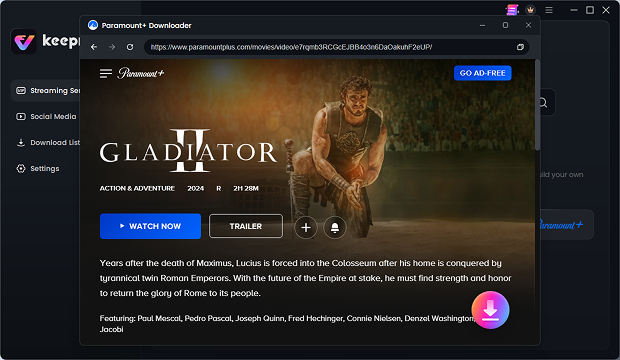
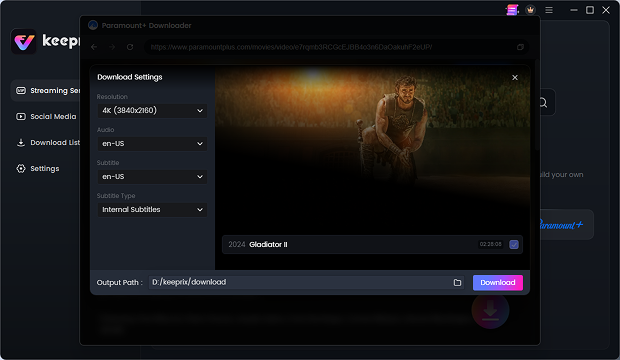
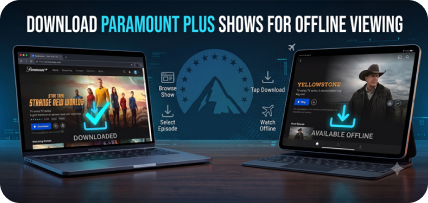
 How to Download Paramount Plus Shows (Mobile & PC)