| Where It Works | Supported phones and tablets | Windows or Mac devices supported by the recording software | Windows 10/11 and macOS 11+ |
|---|
| Account Access | Premium Plus is required for eligible official downloads | Requires content that can be played through your Peacock account | Download Peacock videos, even on ads plans, as ad-free local files |
|---|
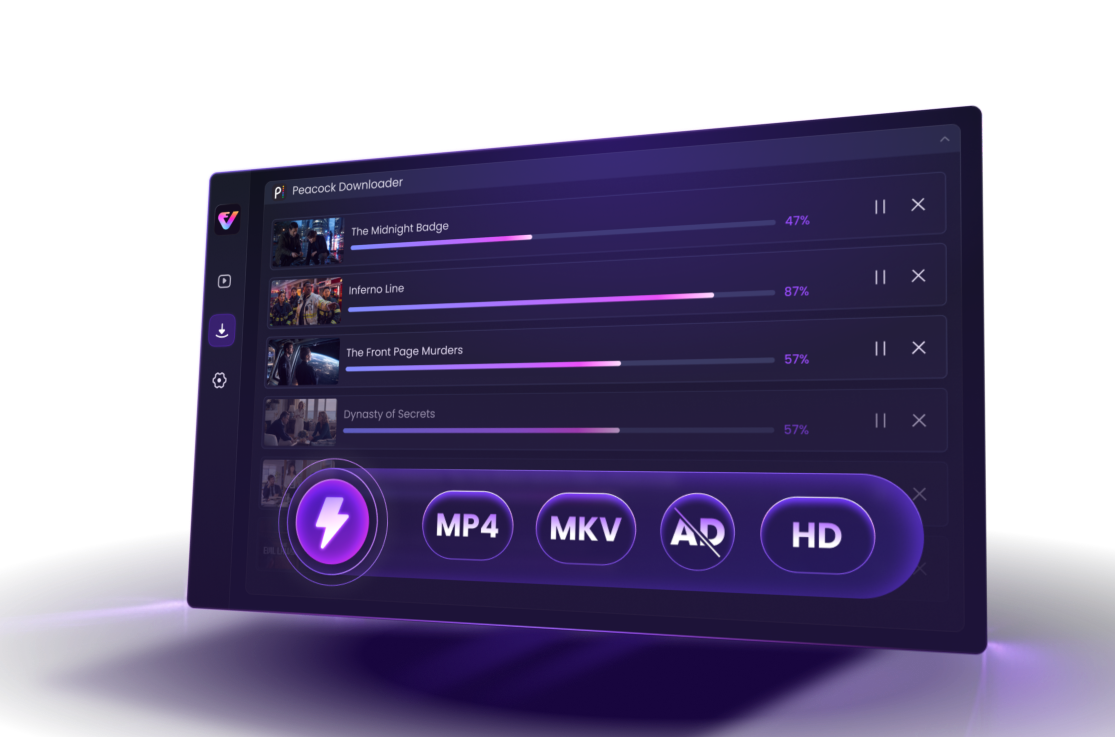
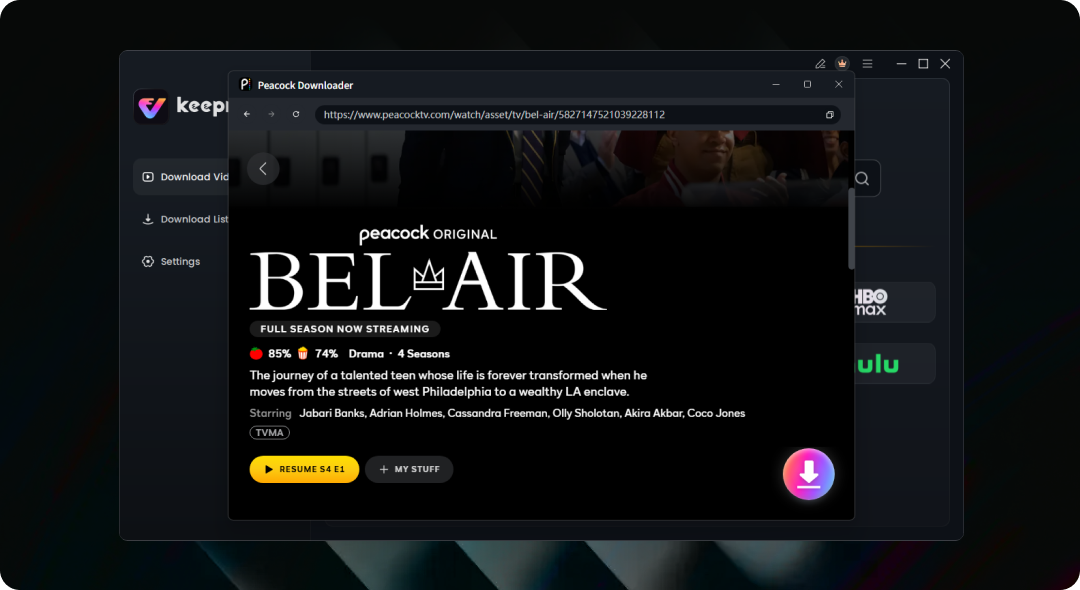
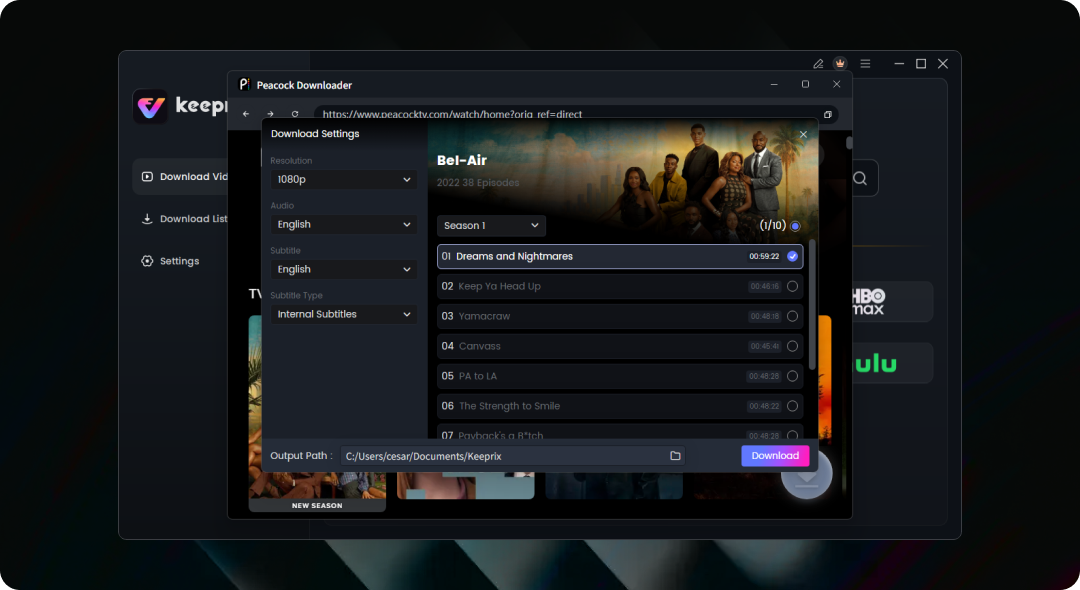
| Workflow | Downloads and playback remain inside the Peacock app | Plays and records the complete video in real time, with ads. | Analyzes video content and adds it directly to a download queue |
|---|
| Output | App-managed offline download | Recorded video file | Local MP4 or MKV file |
|---|
| Limits and Batch Processing | 25 downloads across devices; some titles limited to 10 | Usually records one video at a time | Queue multiple episodes or seasons, subject to plan and storage limits |
|---|
| Video Quality | Controlled by Peacock, the title, and the supported device | May lose detail, frames, smoothness, or audio sync | Up to 1080P, depending on source |
|---|
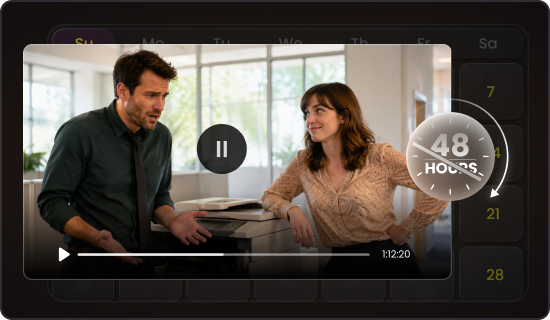
| Expiration | Expires after 48 hours of playback, 30 days, or when removed from Peacock | No Peacock app timer after recording, if the capture succeeds | Local video files are not managed by Peacock’s app download timer |
|---|
| Processing Time | Managed by the Peacock app | Usually requires the full playback length | Not limited to real-time recording; actual speed varies by title, network, and computer |
|---|
| Audio and Subtitles | Controlled by the Peacock app | Usually captures the current audio track; subtitles may be burned into the video | Select audio tracks and subtitles; separate SRT files are supported |
|---|
| Interruptions | Playback remains dependent on the Peacock app | Notifications, cursor movement, pop-ups, or window changes | The video does not need to remain visibly playing in the foreground |
|---|
| File Management | Downloaded videos can only be played and managed inside the Peacock app | The recorded video files can be managed locally | Rename, organize, move, and manage completed files without limits |
|---|
| Best For | Temporary mobile or tablet offline viewing | Occasional manual capture of a single video | Batch episodes, big screen viewing, quality control, and organized local files |
|---|



















 Ed
Ed Michael Grimes
 Jimmy H
 David Tolzmann
 Rod NC
 CHANJI NARANG
 Maarten Hendriksen
 Mark Lystrup
 Rod Crump
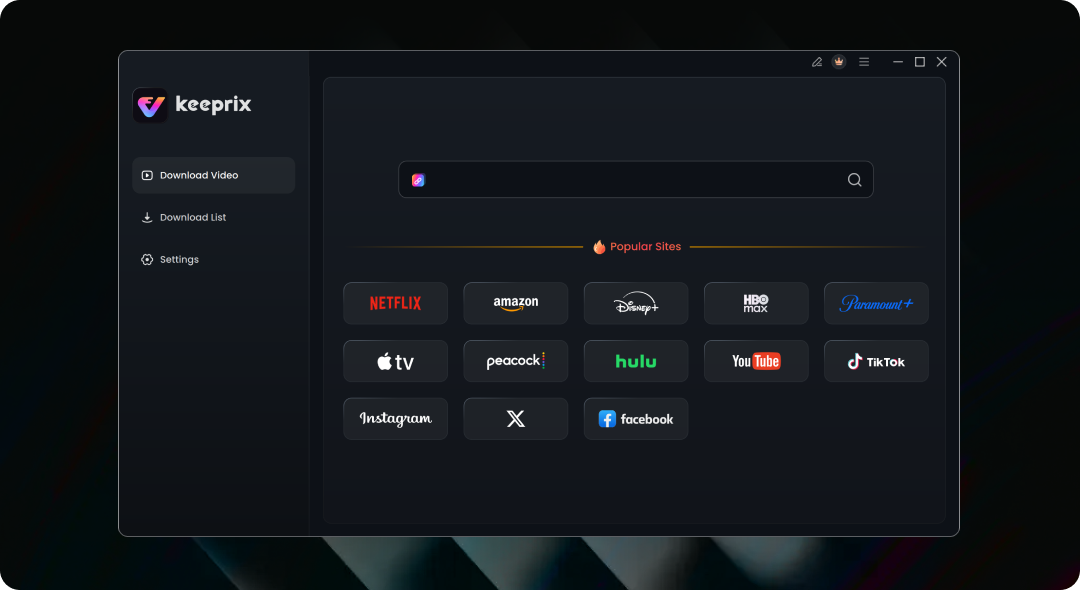
 Keeprix Peacock Downloader

 Can You Download Shows on Peacock to Watch Offline