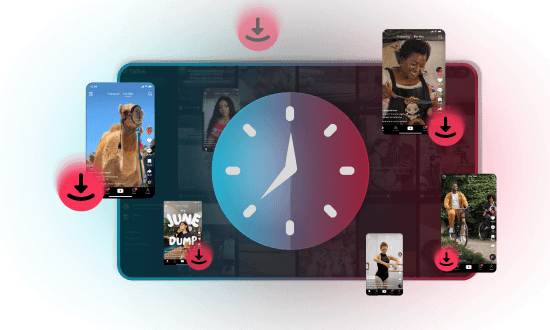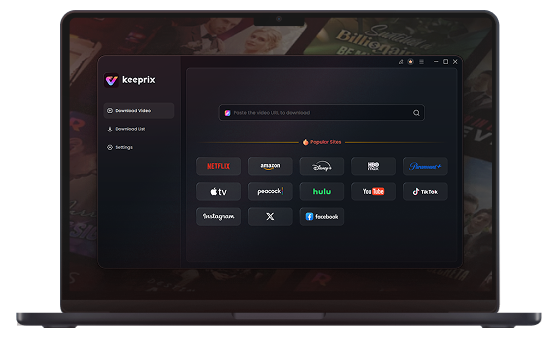

That tutorial you saved six months ago? Gone. That clip you meant to rewatch? Buried. Keeprix organizes your TikTok downloads into a personal media library — sorted, searchable, and always right where you left it. No more scrolling. No more losing content you care about. Just your videos, on your terms, forever.
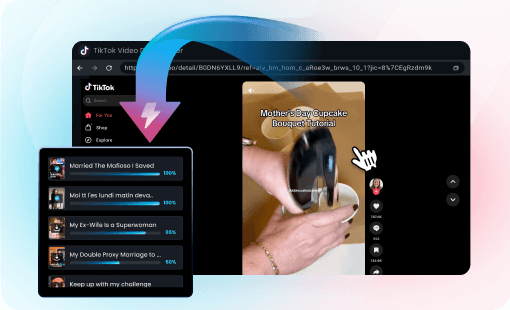
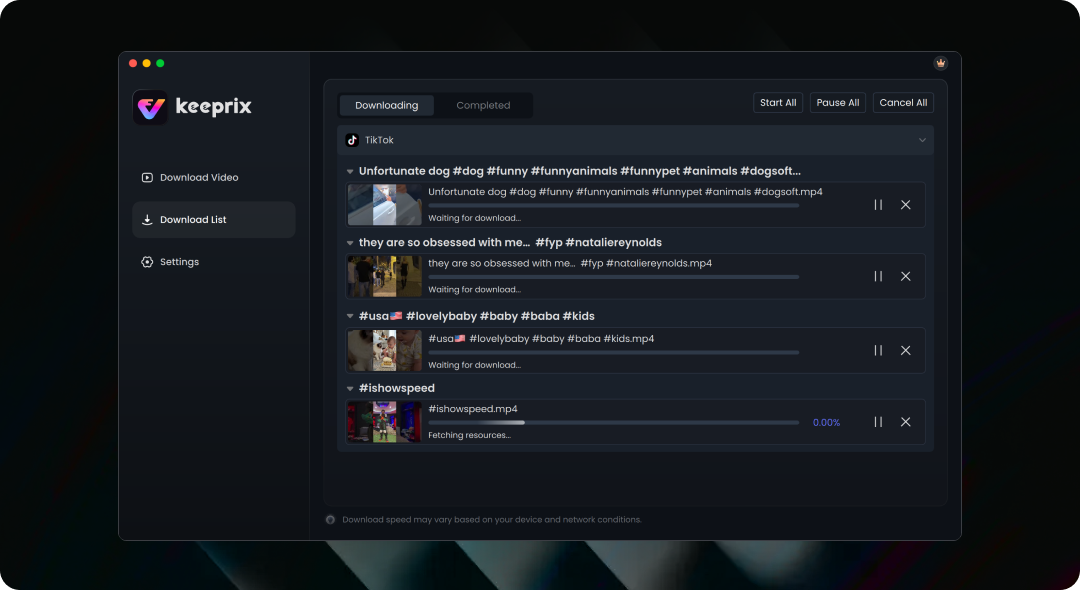
One link at a time? That's yesterday's problem. Paste your list, hit download, and walk away. Keeprix works through your entire queue automatically — pulling 1080p and 4K HD videos in batches so you come back to a full library, not a loading screen. Hours of content saved in the time it takes to make a coffee.
You've been there — click download, get ambushed by three ads, redirected twice, and end up with nothing. Not here. Keeprix runs clean from start to finish. No interruptions, no sketchy redirects, no wondering if your download actually worked. Just a smooth, quiet process that gets the job done.
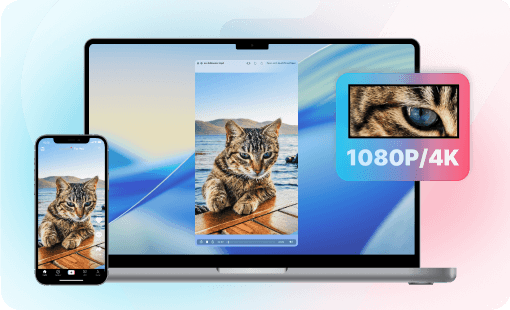
No compression artifacts, no blurry thumbnails. Your videos look exactly as they did on TikTok — sharp, stable, and ready for any screen.

Phone, laptop, smart TV, or media player — MP4 and MKV files open everywhere, so your content moves freely across every device you own.

If you can view it, you can keep it.Save any clip directly to your device — and rewatch it anytime, even after it's gone from TikTok.

No stalled progress bars. No starting over. Keeprix runs quietly in the background — start it, walk away, come back to a full library.

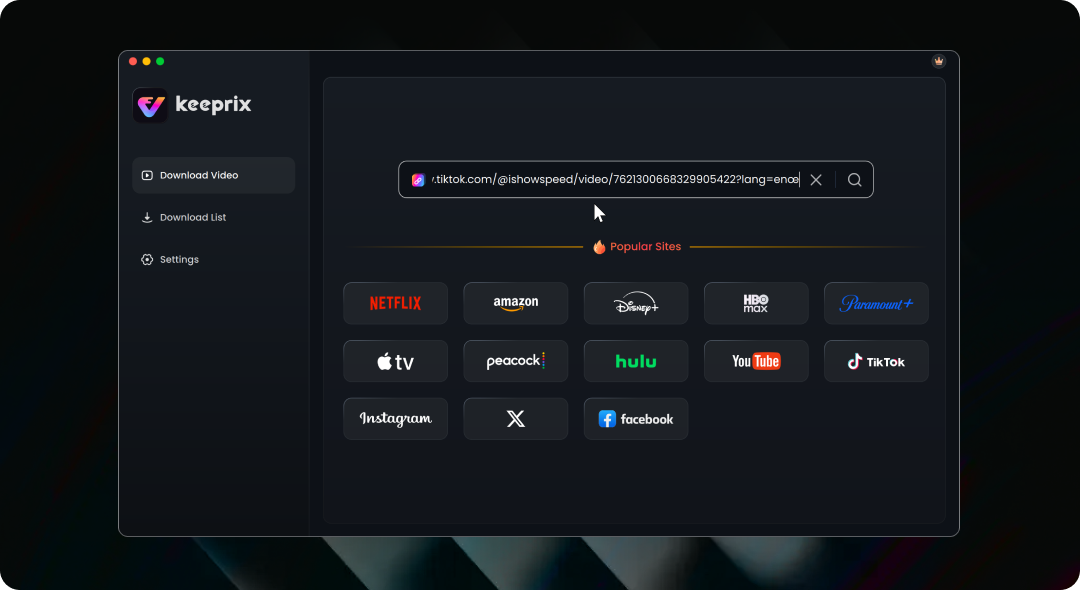
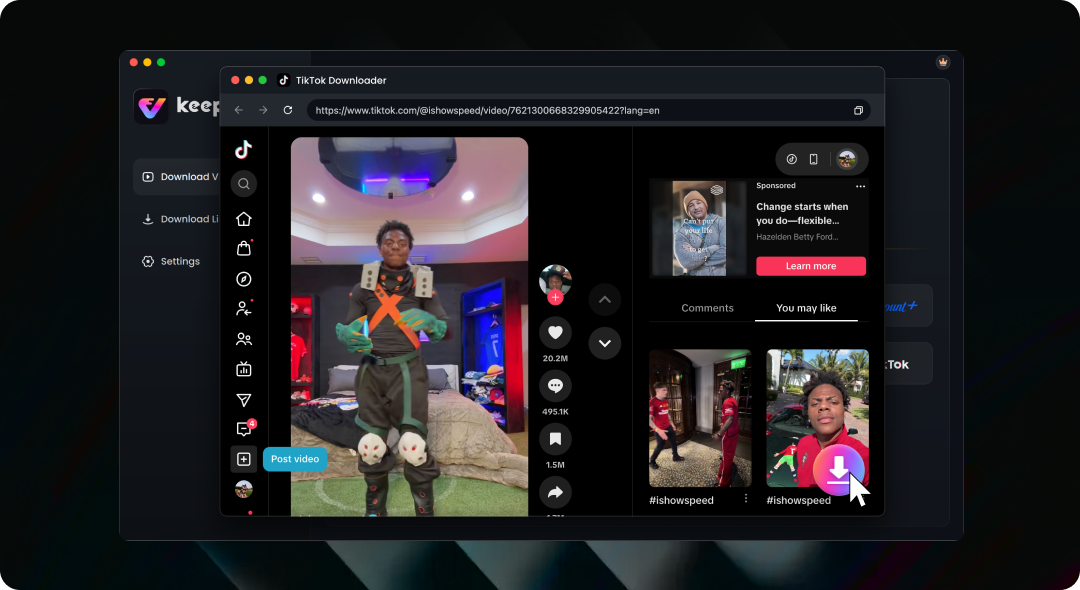
Using Keeprix to save TikTok videos is fast and easy
Yes, if you can view it, you can download it. As long as you have access to the video, Keeprix will handle the rest.
Absolutely. Keeprix is designed for personal entertainment purposes. Downloaded content is for private, non-commercial viewing only and must not be distributed or shared with others.
Of course. You can try Keeprix for free and download up to 2 videos. Please note that all Keeprix downloaders share the same 2-video free trial quota.
Videos downloaded by Keeprix are usually saved by default in the computer’s “Downloads” folder or in a “Keeprix” subfolder within it. You can manually change this in Keeprix settings to choose where TikTok videos are saved.
Open the TikTok app and select the video you want to save. Tap “Share,” then tap “Copy link.” The TikTok video download link will be copied to your clipboard.
No. Keeprix does not store users’ downloaded video files. Keeprix may use short-term temporary caching or minimal access logs while processing download requests to ensure service operation and prevent abuse, but it does not retain your downloaded content on its servers.
Keeprix TikTok downloader
Download Keeprix and say goodbye to lost videos, slow saves, and cluttered feeds. Every TikTok you love, saved in HD, organized your way, yours to keep forever.
Fair Use Policy: Keeprix TikTok Downloader is intended for personal use only. Users are permitted to download content solely for private, non-commercial purposes. Any use of downloaded videos for commercial activities, redistribution, or sharing with third parties is strictly prohibited.