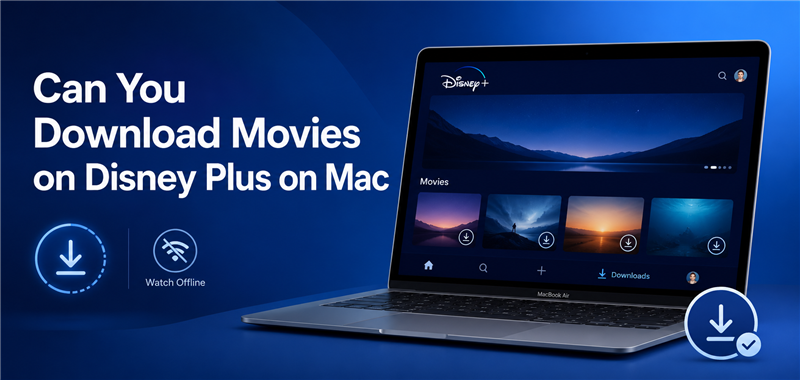
Can You Download Movies on Disney Plus on Mac?

No, you cannot officially download movies on Disney Plus on a Mac because there is currently no native macOS app. While Disney limits official offline downloading to its dedicated apps on iOS, Android, Amazon Fire tablets, and Windows 10/11 devices, Mac users cannot save videos for offline viewing natively.
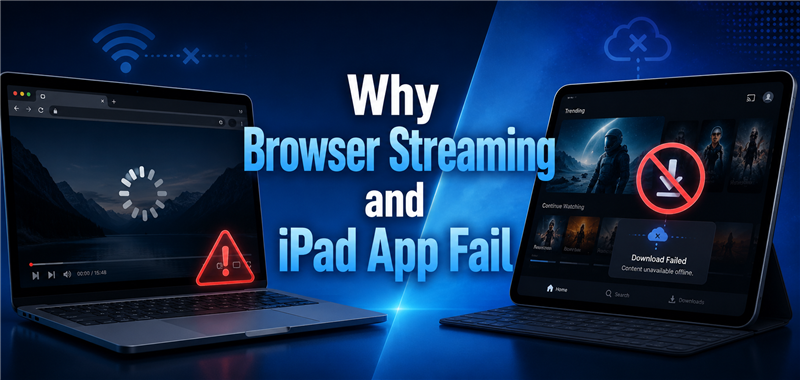
If you try to watch Disney Plus through a web browser like Safari or Google Chrome, you are strictly limited to active internet streaming. However, if you are preparing for a flight, road trip, or daily commute without stable internet, a practical local-file workaround exists to safely save accessible videos to your computer for travel.
The Problem with Virtual Machines and Recording
When searching for an offline viewing workaround on Mac, you will often find guides recommending complex software setups. However, these methods are incredibly clunky and overly complicated just to download a movie for personal viewing.
- Running Windows via Parallels: This involves purchasing and installing virtualization software like Parallels Desktop, setting up a full Windows 11 operating system on your Mac, and then downloading the Disney Plus Windows app inside that virtual machine. It is a massive, expensive, and resource-heavy hassle.
- Using Screen Recording Software: Recording your screen is a tedious process that requires you to play the movie in real-time from start to finish. Not only does this block you from using your Mac for other tasks, but browser protections often trigger black screens or drastically lower the frame rate, resulting in a poor viewing experience.
Neither of these workarounds provides a simple, high-quality, and flexible offline viewing experience. Fortunately, a dedicated file-based downloader is much easier.
A Better Alternative: Save Disney Plus Movies as MP4
Instead of wrestling with expensive virtual machines or real-time screen recorders, the most practical desktop alternative is a dedicated local-file workflow. Keeprix Video Downloader helps you move from app-only viewing to file-based freedom. It allows you to save the accessible Disney Plus videos you have permission to watch as standard MP4 or MKV files directly on your Mac.
By utilizing a “Stream to File” solution, you can watch your movies offline during travel without relying on browser streaming or unstable Wi-Fi. Keeprix supports saving these videos in up to 4K resolution (when that source quality is available on the platform).
Because the output is a standard local MP4 or MKV file, it is much easier to store on an external drive, organize in a personal media library, and play across other compatible devices on your trip.

Download Football Videos with Keeprix
- Download Disney+ videos on Windows & Mac.
- Save streaming videos as local MP4/MKV files.
- Batch download streaming videos and TV series.
- Watch videos offline, no ads, no interruption.
How to Save Disney Plus Videos as MP4 on MacBook
Learning how to download movies on Disney Plus using a dedicated local-file workflow is straightforward. This is especially useful when you need to batch download a TV series or build a movie watchlist before a long flight.
Step 1. Download and install Keeprix on your Mac. Launch it and choose the Disney Plus platform.
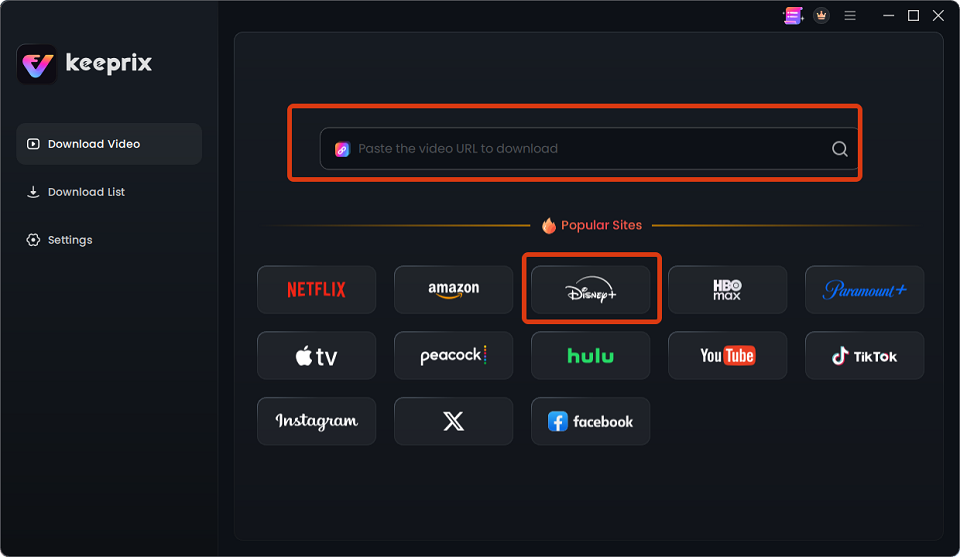
Choose Disney
Step 2. Log into your subscripted account to access your permitted content.
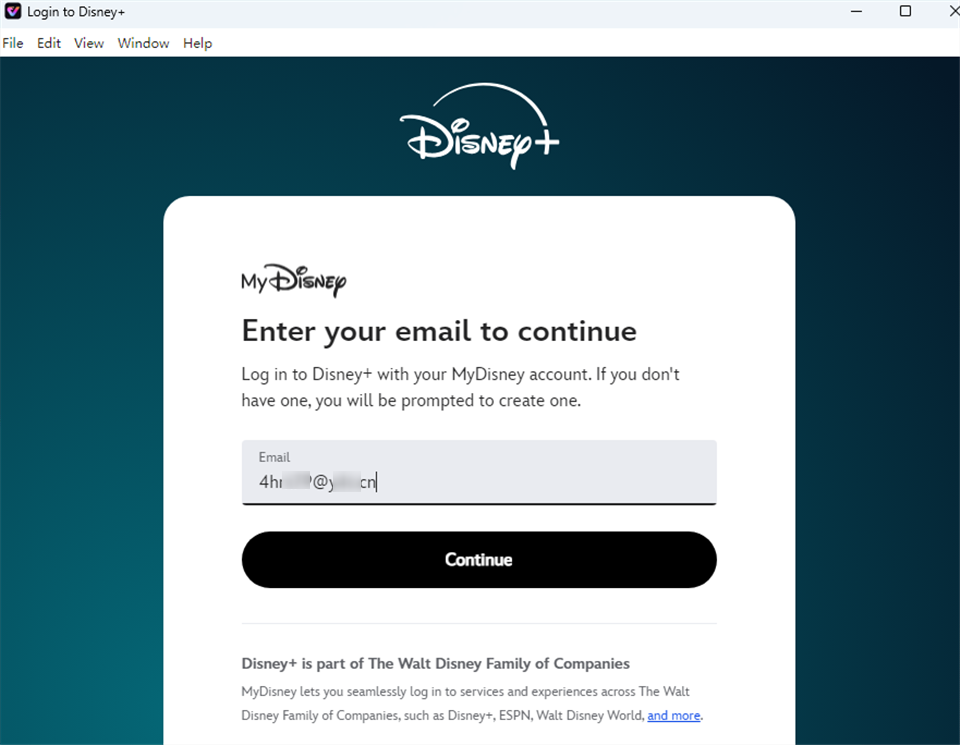
Log Into Disney Plus Account
Step 3. Choose the movie or series you want to watch. When the prompt appears, select either MP4 or MKV format, and choose your preferred audio tracks and subtitle languages.

Downloading Disney Plus Videos
Step 4. Click to begin the download. Keeprix will save the videos directly to your Mac, allowing you to easily build your personal offline library before your trip.
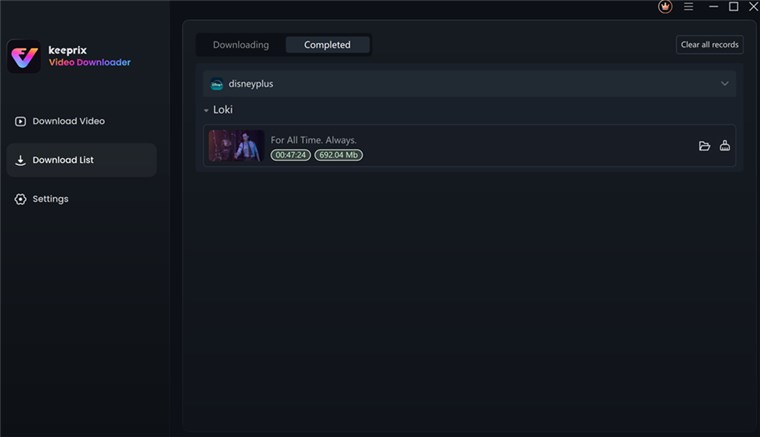
Disney Plus Video Downloaded
Frequently Asked Questions
Is there a Disney Plus app for Mac?
No, there is currently no official Disney Plus native app for macOS. Mac users can only access the platform via web browsers like Safari or Chrome, which do not support offline downloading.
How to watch Disney Plus offline on MacBook?
To watch Disney Plus offline on a MacBook, you need to use a third-party desktop alternative like Keeprix. This allows you to save accessible videos as local MP4 or MKV files for personal offline viewing without relying on a browser.
Can you download Disney movies on a laptop?
Yes, if you use a Windows 10 or 11 laptop, you can download movies using the official Disney Plus Windows app. If you use a Mac laptop, official downloads are not supported, requiring a local-file workaround to download Disney Plus movies on laptop.
Why can’t I download Disney Plus on my Mac?
Disney has chosen not to develop a native macOS application for its streaming service. As a result, the platform’s official offline download feature is restricted to mobile phones, tablets, and Windows users.
Can I use the Disney Plus iPad app on my Mac to download movies?
No, Disney actively blocks the installation of its official iPad app on Apple Silicon Macs (M1/M2/M3) via the Mac App Store, preventing users from using this common workaround.
Final Thoughts
Prepare your watchlist before travel or poor internet by trying the Keeprix free trial, which allows you to save up to 2 full videos – and start building your personal offline media library today.
Keeprix Video Downloader
Download streaming videos from Disney+ without trouble. Enjoy seamless offline watching on Windows and Mac computers.