How to Watch Hulu on Nintendo Switch [2 Ways]

| Quick Overview |
| To get Hulu on Nintendo Switch, you can download the app from the Nintendo eShop and stream on your console. Also, Keeprix Video Downloader can help you watch Hulu on Nintendo Switch without internet. |
Hulu viewing on a Nintendo Switch can look complicated at first because the application is not directly available for the console. But with a few easy workarounds, you can watch Hulu shows and movies on TV or Switch. Here we are going to talk about two methods to watch Hulu on Nintendo Switch and enjoy the entertainment you want anytime and anywhere.

Watch Hulu on Nintendo Switch
Can You Watch Hulu on Nintendo Switch?
Yes, but only if Hulu is already installed on your Nintendo Switch. The Hulu app is no longer available to download from the Nintendo eShop as of November 6, 2025. However, if you installed the app before it was removed, you can still open and use it for now.
Keep in mind that support for Hulu on Nintendo Switch will be completely discontinued on February 5, 2026, which may affect how long the app continues to work normally.
You may also like: Can I Watch Netflix on Switch >
Is Hulu Available to Download on Switch eShop?
You cannot download Hulu on the Nintendo Switch eShop anymore. The Hulu app was uninstalled from the store on November 6, 2025, and as of February 5, 2026, it will not be available on Switch devices, says Nintendo.
Moreover, the application is not available for installation by new users, and existing users will have to remove the app when the support is discontinued.
How to Add Hulu on Nintendo Switch?
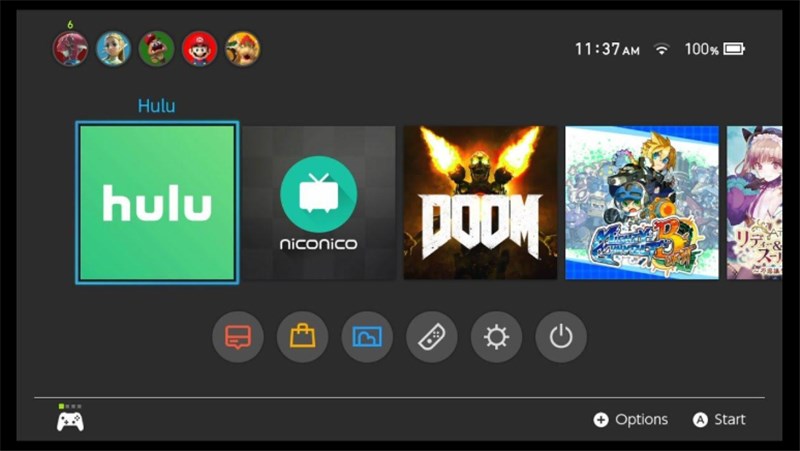
At one point, Hulu was a licensed app on the Nintendo Switch. You can easily download the application from the eShop and thus begin your streaming without delay. However, the Hulu app has been removed from eShop and will no longer work on Switch devices after February 5, 2026, so the official method is no longer available.
For the old official method, it was quite simple to add Hulu to your Switch. You just downloaded the app from the eShop and logged in.
Step 1. Power your Nintendo Switch on and navigate to the Nintendo eShop. From the available options, select the search bar and type in Hulu app.
Step 2. Choose the Hulu app from your search results.
Step 3. Press Download to get the app installed. After installation, open the Hulu app, fill in your account details, and off you go.
Download Hulu on Nintendo Switch
How to Watch Hulu on Nintendo Switch?
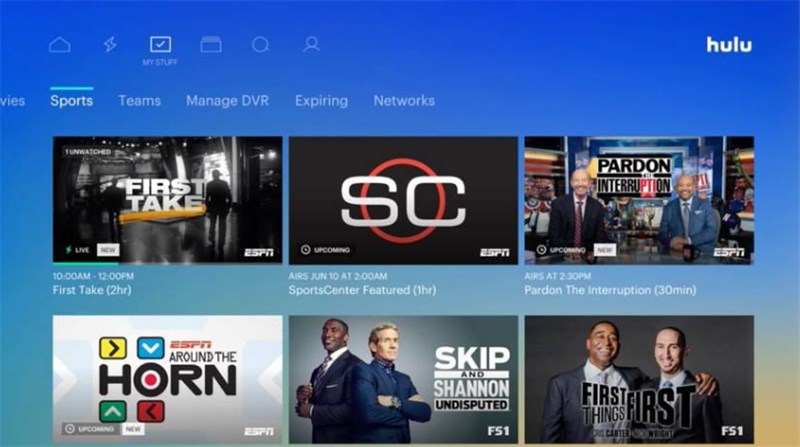
It used to be simple to watch Hulu on the Nintendo Switch using the official eShop app. Although the app is now removed, you can still use it if you installed it earlier. Here’s how it worked:
Step 1. Access the Nintendo eShop on your Switch and look up the Hulu app.
Step 2. Get the Hulu app on your device and make sure to install it.
Step 3. Open the Hulu app, enter your login details, and then you can play any of your preferred shows or movies.
Watch Hulu on Nintendo Switch
Download Hulu Shows & Watch Them on Switch Offline
Since the Hulu app cannot be accessed on the Nintendo Switch in the future, downloading Hulu content with Keeprix Hulu Video Downloader is a very good alternative for you to watch. This amazing tool helps you bypass geo-restrictions so you can access the full Hulu library, including all exclusive originals, no matter where you are in the world.
Besides, it also gets rid of Hulu download limits and ads, so you can save as many shows or movies as you want at the same time and enjoy a peaceful, uninterrupted viewing session.
Main Features of Keeprix Video Downloader:
- Download multiple Hulu videos on any device with a cap.
- Get access to Hulu content without regional restrictions.
- Allow 1080p downloads for clearer, high-quality playback.
- Support MP4 and MKV formats to choose preferred file type.
How to Save and Watch Hulu Shows on Nintendo Switch:
Step 1: Download and Install Keeprix Downloader
Download Keeprix Downloader on your computer and install it. Launch Keeprix Video Downloader and choose Hulu platform.
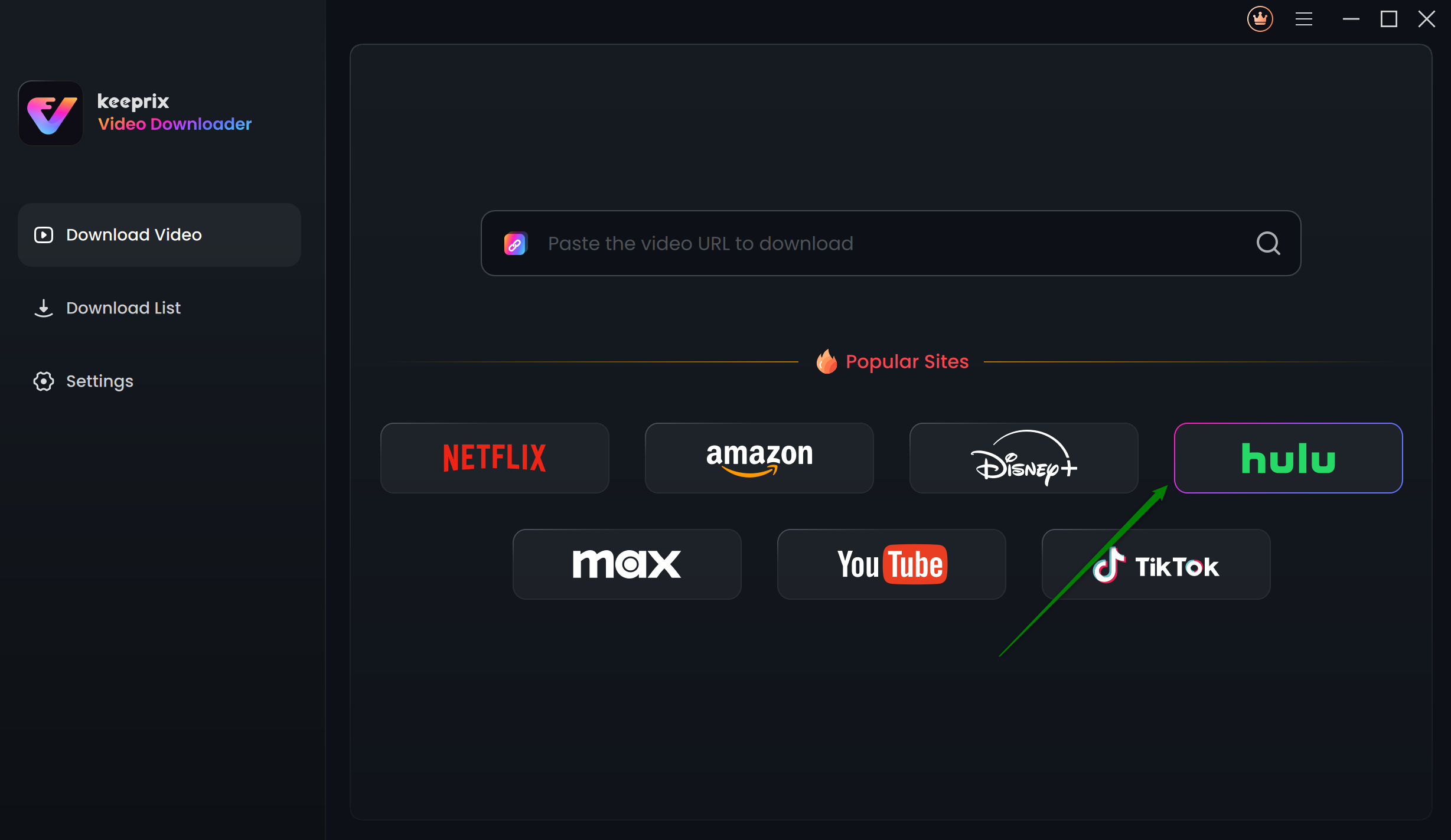
Choose Hulu in Keeprix Video Downloader
Step 2: Sign In to Your Hulu Account
To log in, click the Sign Up for Hulu Only option. Find the videos you need by typing the keywords or pasting the video URL.
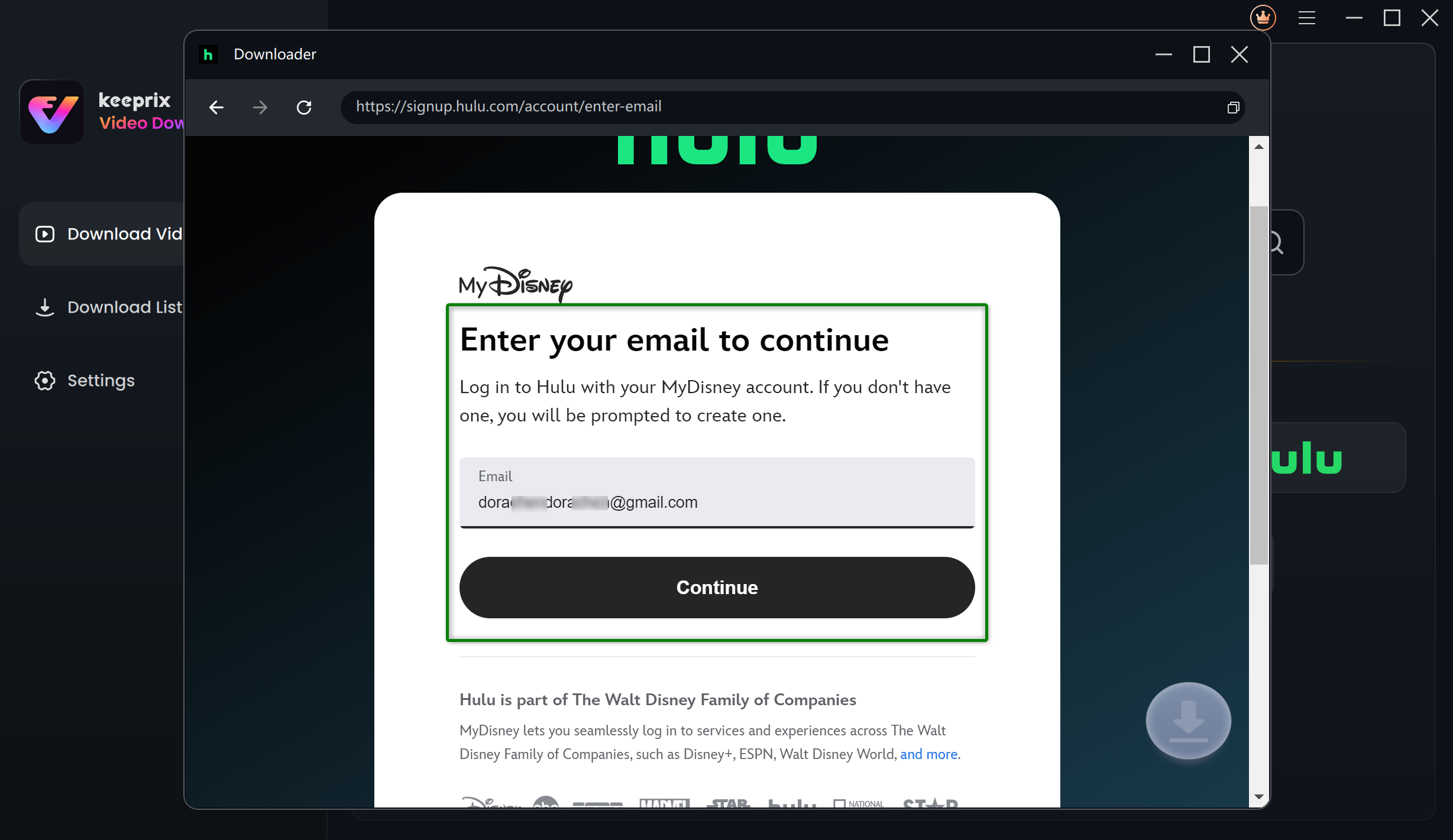
Log Into Hulu Account
Step 3: Search for Hulu Shows to Download
Simply enter the title, browse the matching results, and select the desired shows to download.
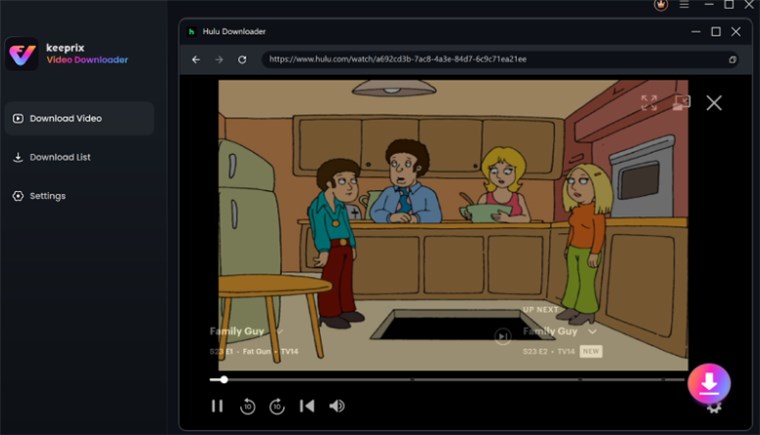
Click the Download Icon
Step 4: Adjust Download Preferences
When you click the Download button, you are prompted to choose the resolution, audio, subtitle type, and output path.
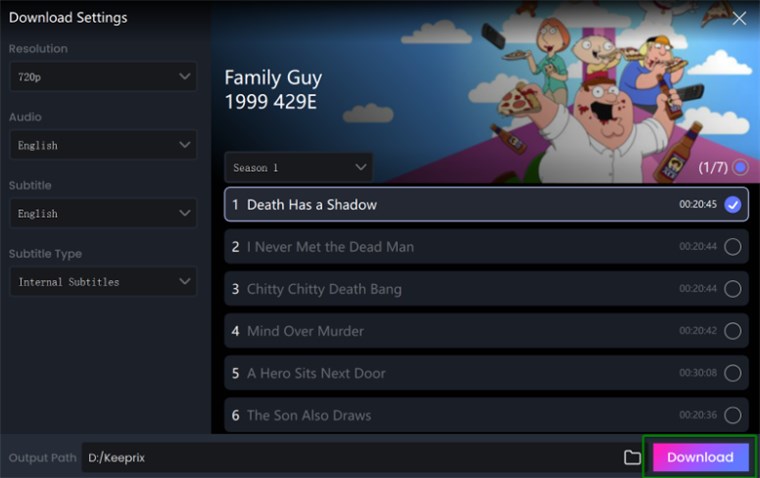
Adjust Download Settings
Step 5: Download and Play Hulu videos
To start saving the video, click the Download button. Once the download is complete, you can transfer the files to your Switch and watch them effortlessly.
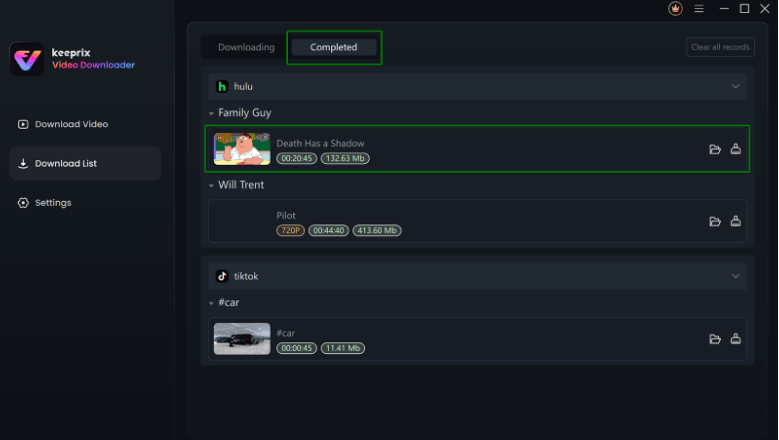
Downloaded Hulu Videos in Progress
FAQs about Watching Hulu on Nintendo Switch
Q1. Is Hulu available on Nintendo Switch 2?
It is no longer possible to stream Hulu on the Nintendo Switch. The application has been uninstalled from the eShop on November 6, 2025, and a support end date of February 5, 2026, has been announced.
Q2. Is Hulu free on Nintendo Switch?
Hulu runs on a subscription plan. So, even if the app were available on Switch, you would require a Hulu account to stream shows and movies.
Q3. Why can’t I find Hulu on Nintendo Switch?
Hulu is no longer available for direct downloading on the Switch. In case you want to watch offline or stream, then you can pick a substitute like Keeprix VideoDownloader.
Conclusion
To sum up, this guide walks you through everything you need to know about watching Hulu on the Nintendo Switch. While the Hulu app is no longer available to download from the eShop, users who installed it earlier can still watch content on their Switch for now. For a long-term solution, Keeprix Video Downloader, a professional Hulu Video Downloader, allows you to download, store, and watch Hulu videos anytime. Try Keeprix Video Downloader to watch Hulu on Nintendo Switch now!
 Must Read